1. Dominant Red Gaming Environments
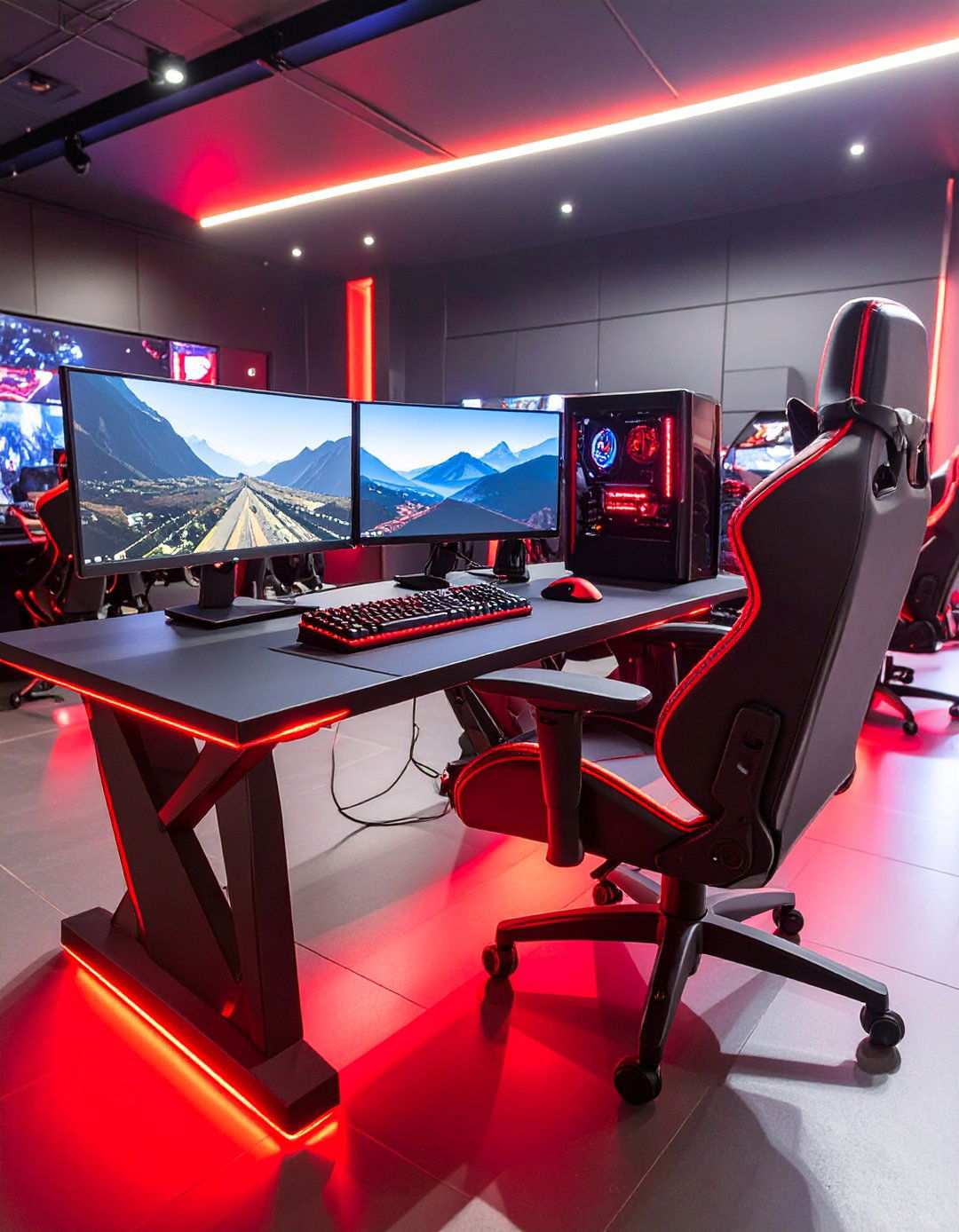
Gaming spaces can now showcase a perfect blend of energy and sophistication through powerful red and black color combinations. This dynamic fusion creates an immersive atmosphere that channels competitive drive while maintaining elegant visual appeal for serious gamers. A striking contrast between deep black foundations and vibrant red accents transforms ordinary gaming settings into high-performance command centers that inspire peak performance. Whether you’re designing a dedicated gaming room or creating a gaming nook in your bedroom, red and black themes offer endless possibilities for customization. From sleek minimalist arrangements to elaborate multi-monitor battlestations, this timeless color scheme adapts to any space size or budget. The psychological impact of red stimulates focus and excitement, while black provides stability that prevents visual overwhelm during extended gaming sessions.

As an Amazon Associate I earn from qualifying purchases.
2. Red Accent Gaming Spaces
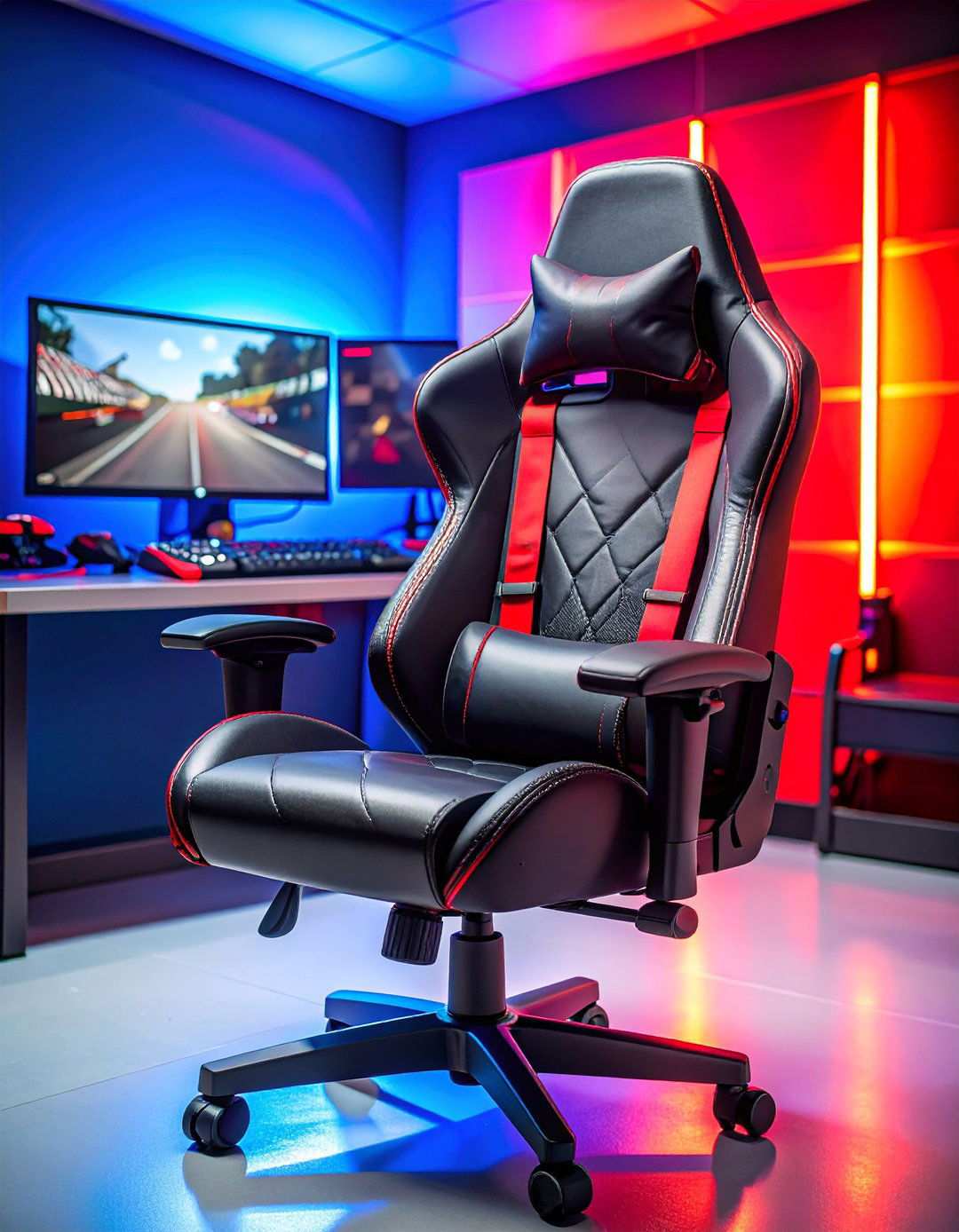
Does your current gaming setup reflect your passion for gaming excellence? A well-designed gaming environment with red accents can transform any space into a professional gaming headquarters. Start by incorporating a black gaming desk with subtle red LED strips underneath for a sleek underglow that defines your workspace boundaries. Position dual monitors with thin black bezels to maintain clean sightlines and add red accent lighting behind each screen for an immersive experience. Install a red backlit mechanical keyboard and a precision gaming mouse with customizable red illumination to enhance the gaming atmosphere. Complete the environment with a black ergonomic chair featuring red stitching details and lumbar support for maximum comfort during marathon gaming sessions. Effective cable management is crucial in maintaining the color harmony while ensuring a clutter-free environment that supports focused gameplay.
3. The Art of Elegance in Gaming Environments
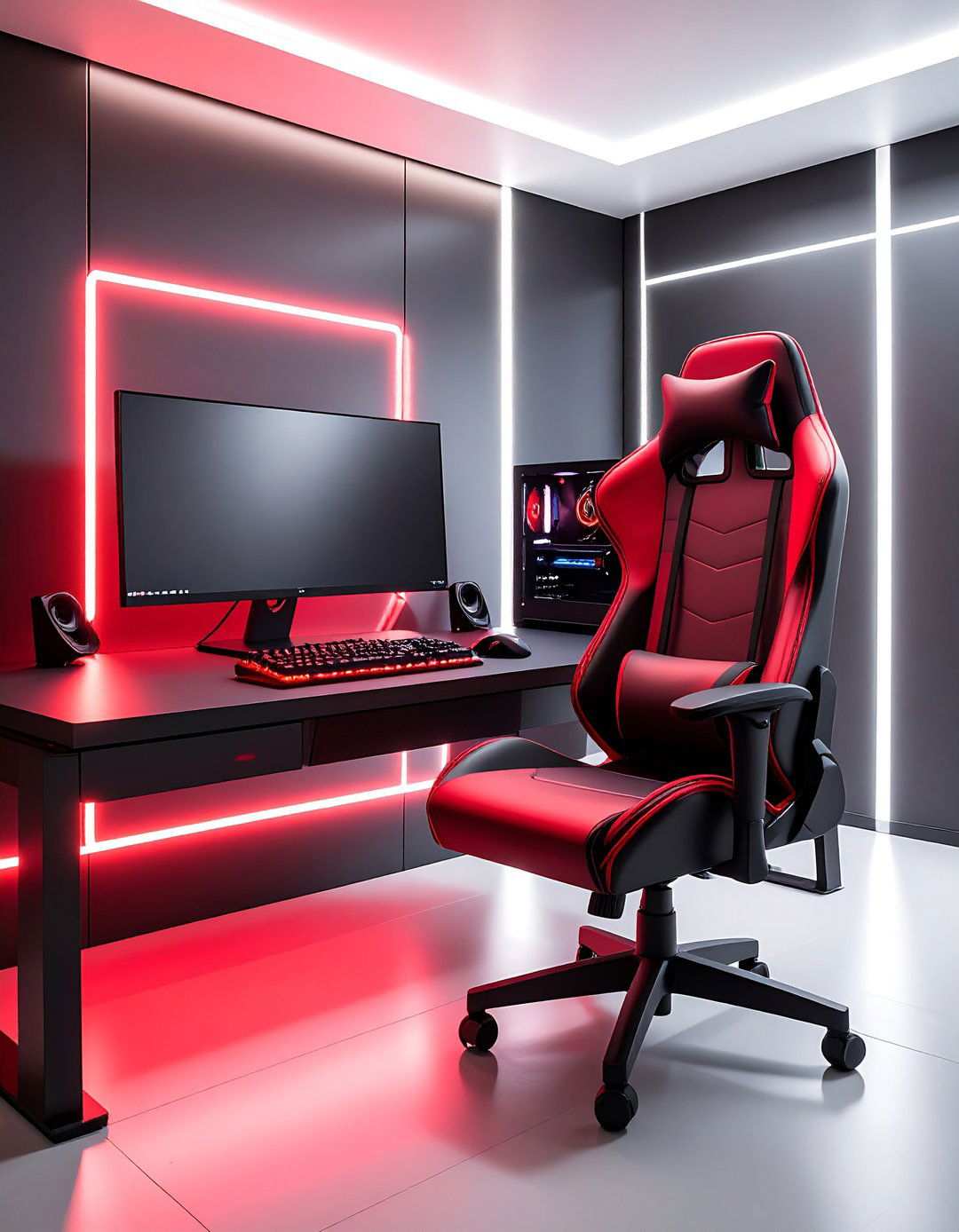
Effective design often lies in striking a balance between functionality and aesthetic appeal. By adopting a minimalist monochrome approach, you can create a visually striking gaming space that eschews distracting elements in favor of a cohesive, streamlined look. A well-chosen black desk with clean lines and hidden cable management sets the tone for a clutter-free environment. A bold red gaming chair stands out as a statement piece, while subtle red LED strips behind your monitor provide ambient lighting that minimizes eye strain during prolonged gaming sessions. A black mechanical keyboard with red backlighting and a precision mouse featuring red accent details round out the setup, complementing the clean aesthetic while promoting focus and concentration.
4. Lighting Up Your Gaming Experience
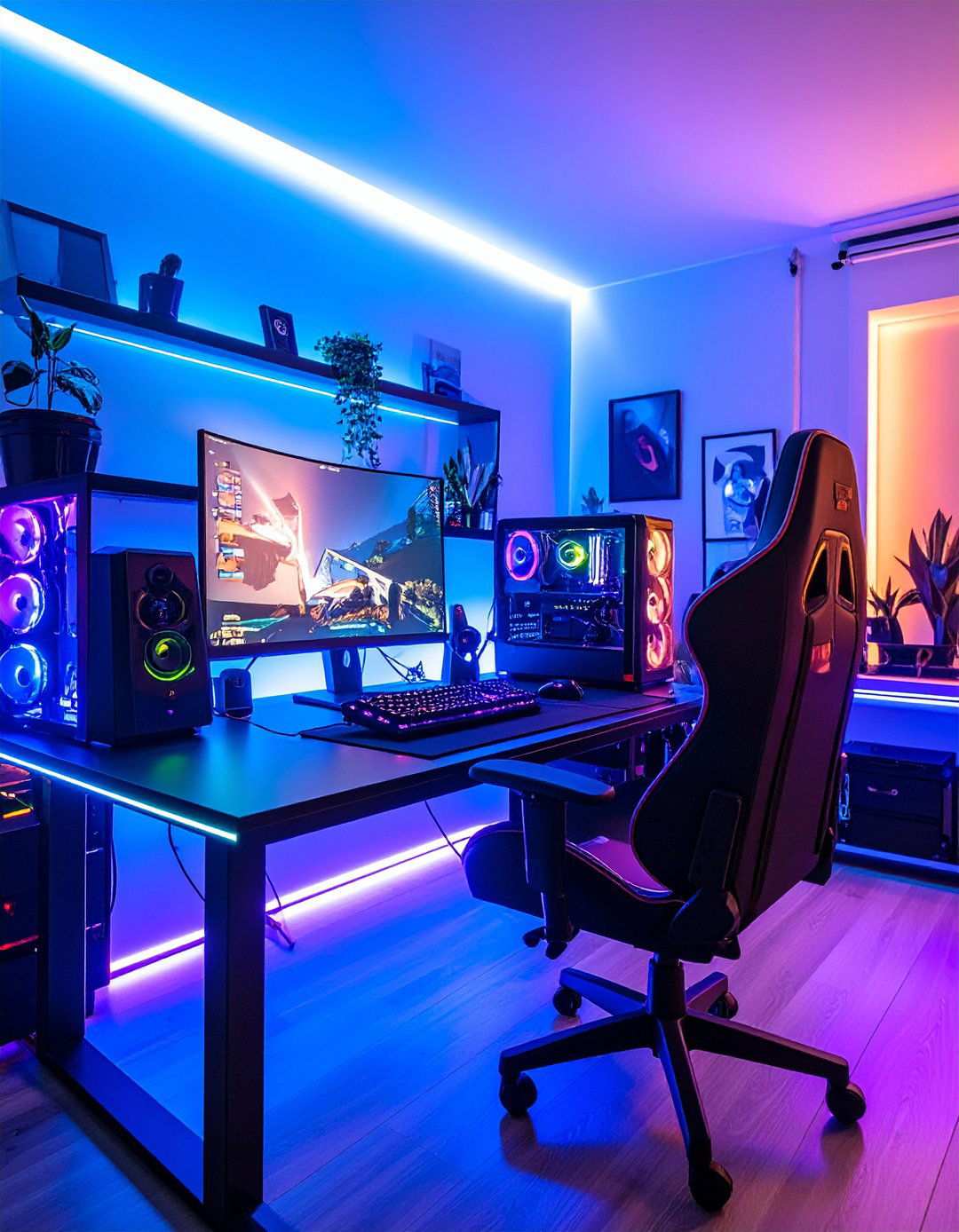
RGB lighting offers a versatile canvas for expressing your gaming personality, enabling you to effortlessly switch between high-energy battle modes and soothing ambient settings. By integrating programmable LED strips around your desk, behind monitors, and under shelving, you can create a dynamic illumination system that adapts to your gaming needs. Synchronize your keyboard, mouse, headset, and chair lighting with your monitor displays to create an immersive experience that transcends the screen. Smart lighting controllers allow you to save custom configurations for different game genres, automatically adjusting color temperature and intensity to match the action. For late-night gaming sessions, consider adding smart bulbs to overhead fixtures that can subtly dim to near-black levels while maintaining red accent lighting.
5. Optimizing Your Gaming Workflow
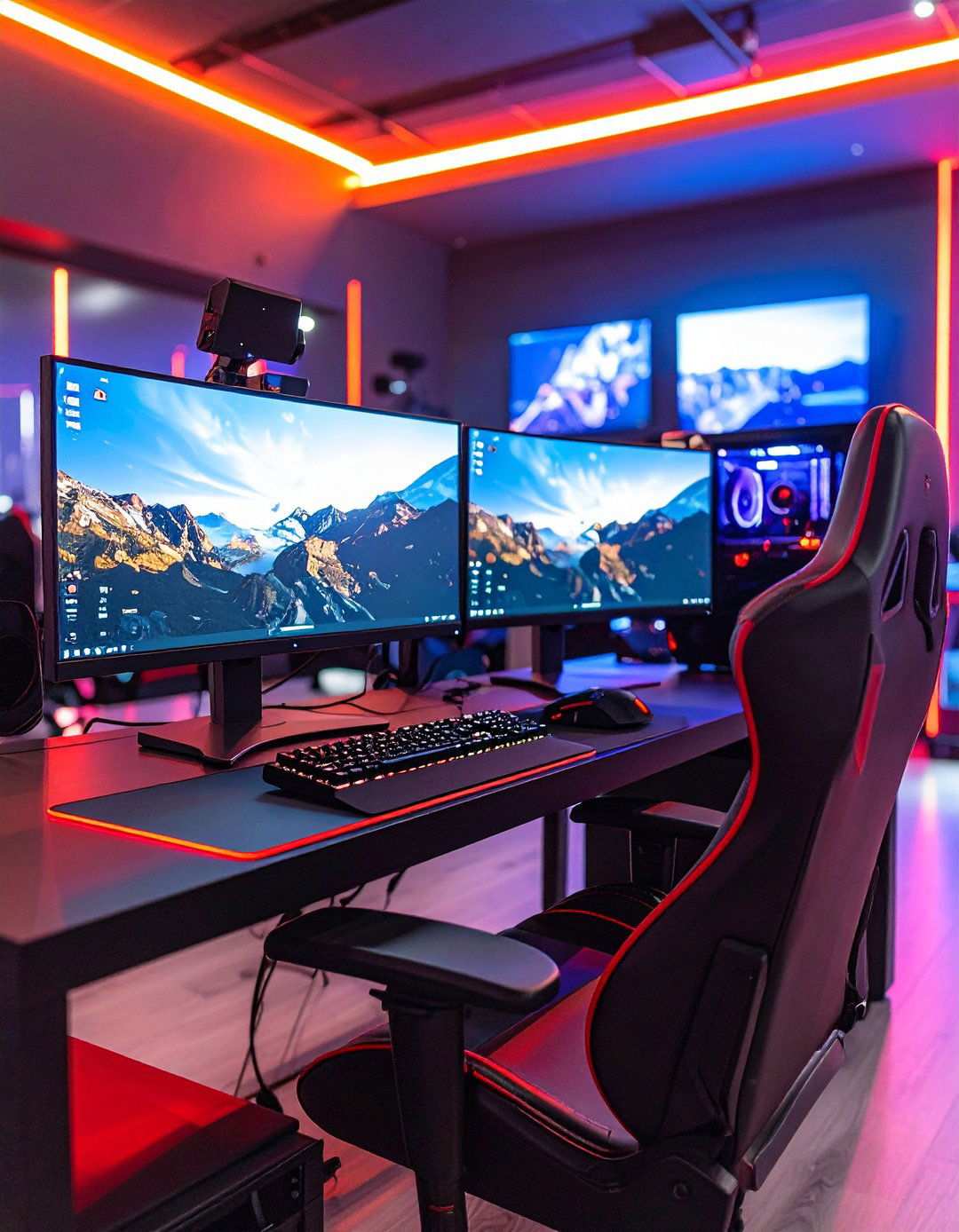
A thoughtfully designed dual monitor command station can significantly boost your gaming efficiency and multitasking capabilities. By positioning two ultra-thin-bezel monitors on a sturdy black desk, you can achieve a seamless visual flow while ensuring proper height alignment to prevent neck strain. Red accent lighting behind each monitor helps create visual definition while reducing eye fatigue. A black monitor arm system provides flexibility and frees up valuable desk space for peripherals and accessories. A mechanical keyboard with red switches and backlighting, positioned ergonomically between the monitors, streamlines your workflow. Completing the setup with a high-DPI gaming mouse featuring red accent lighting and a large mouse pad that spans the entire desk surface enables seamless cursor movement and enhances your overall gaming experience.
6. Immersive Futuristic Gaming Environments
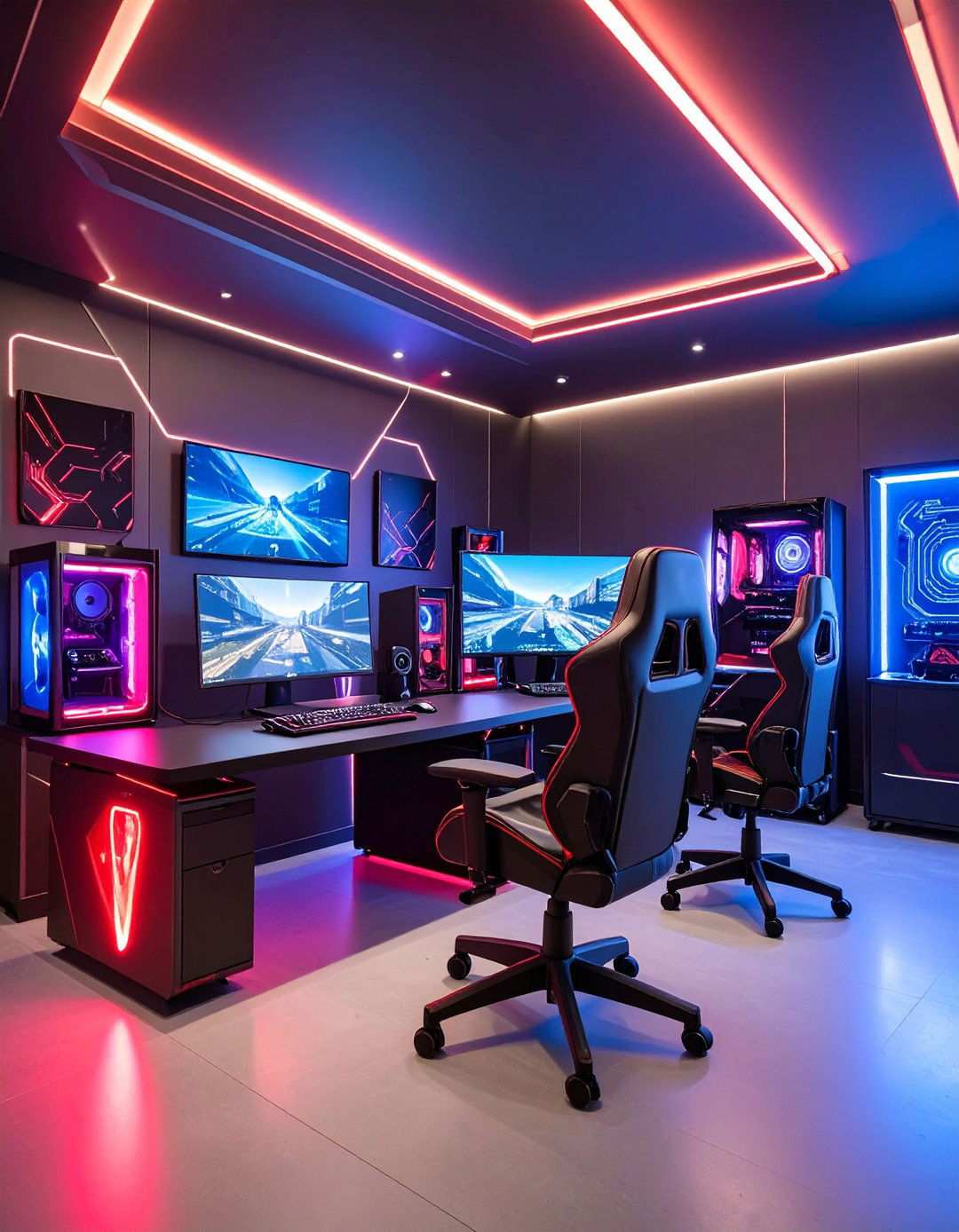
Elevate your gaming space by incorporating futuristic, dystopian themes that seamlessly blend high-tech functionality with bold visual elements. Employ a palette of black and red hues to create dramatic contrasts, with angular lines and sharp edges defining the space. Strategic placement of red LED accent lighting generates striking shadows and highlights that draw viewers into the gaming atmosphere. To further intensify the cyberpunk ambiance, incorporate holographic stickers or vinyl decals featuring intricate circuit board patterns in bold red against black backgrounds. Vertical or horizontal neon-style red lighting tubes frame the gaming area with a distinctive, otherworldly glow, while hexagonal wall panels in black with red LED backlighting add a touch of cutting-edge technology. For an added layer of immersion, consider introducing a small fog machine to transport you to the heart of your favorite dystopian worlds.
7. High-Tech Streaming Studios
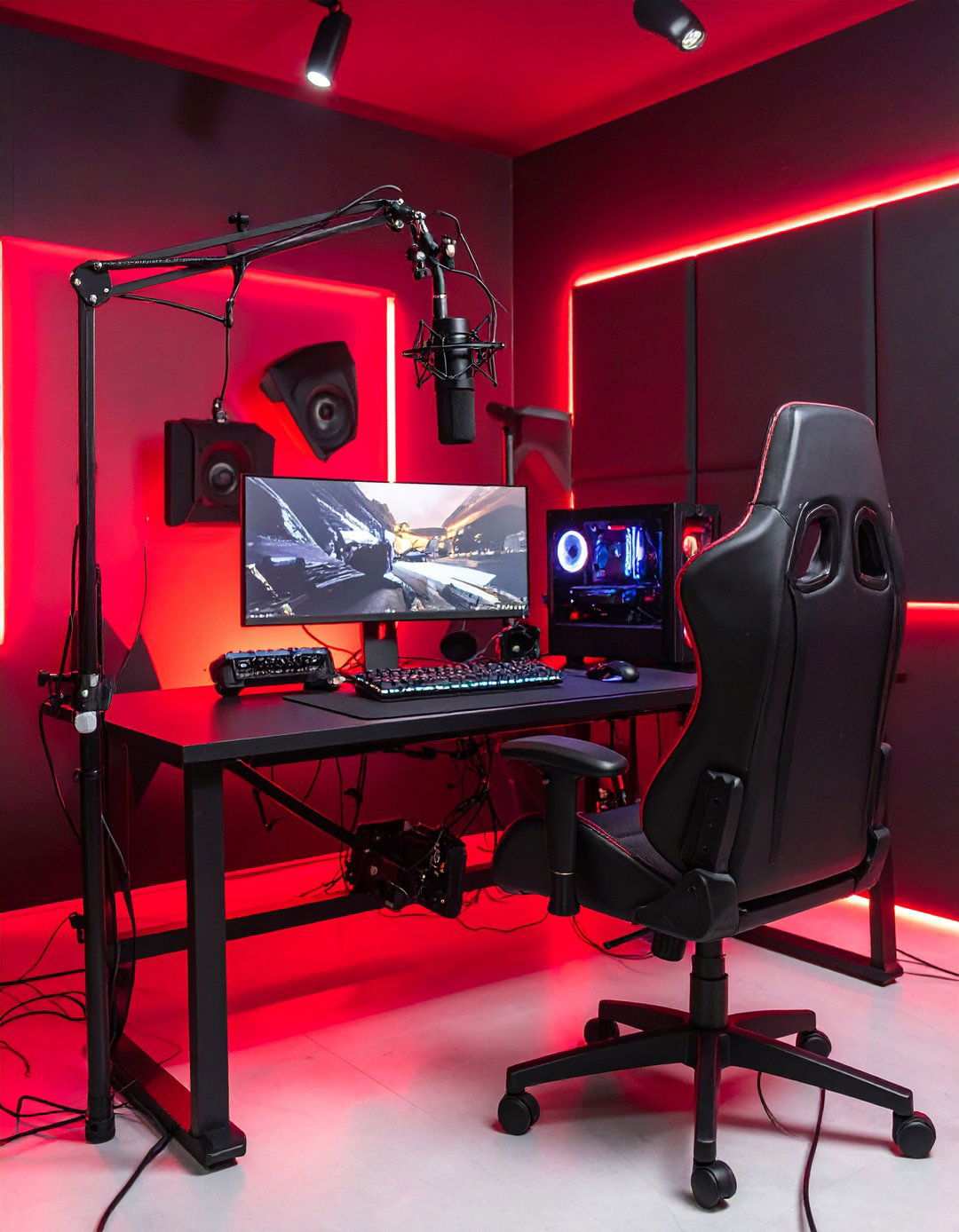
Transform your gaming setup into a professional streaming studio that captivates audiences while maintaining optimal functionality for content creation. Equip your space with professional-grade lighting equipment featuring red and black color filters, expertly crafting dramatic streaming atmospheres that won’t compromise video quality. A black backdrop with subtle red accent lighting creates a striking silhouette, perfect for camera capture, while acoustic panels in black with red trim improve audio quality while maintaining the color scheme. A high-quality microphone on a black boom arm with red windscreen protection ensures crisp, clear audio, while multiple camera angles are achieved using black camera mounts with red cable management sleeves. To further enhance the streaming experience, consider adding a small teleprompter with red text display for seamless interaction with your audience during live streams.
8. Vintage Gaming Revivals
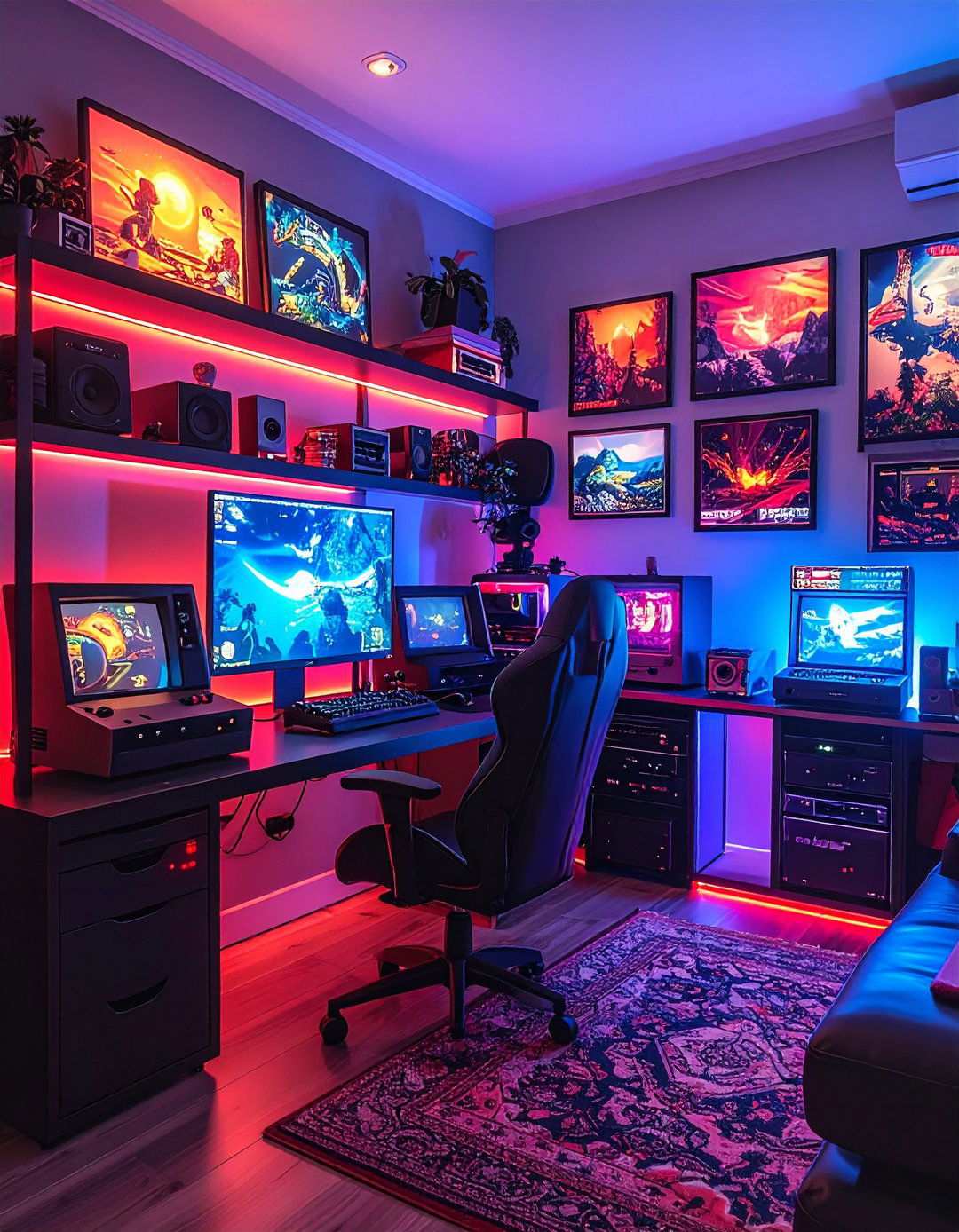
Pay tribute to gaming history while embracing modern technology through thoughtfully designed retro gaming corners that celebrate decades of gaming evolution. Display vintage gaming consoles in sleek black cases with red controller cables prominently on black floating shelves with red LED backlighting, creating a nostalgic yet modern aesthetic. A gallery wall featuring classic game artwork in black frames with red matting showcases iconic characters and moments, while a black CRT-style monitor or TV alongside your modern gaming display authenticates retro gaming sessions. Vintage gaming posters in bold red and black color schemes highlight legendary titles from different gaming eras, while storage solutions like black bins with red labels keep game cartridges and accessories systematically organized.
9. Elevating Gaming Comfort
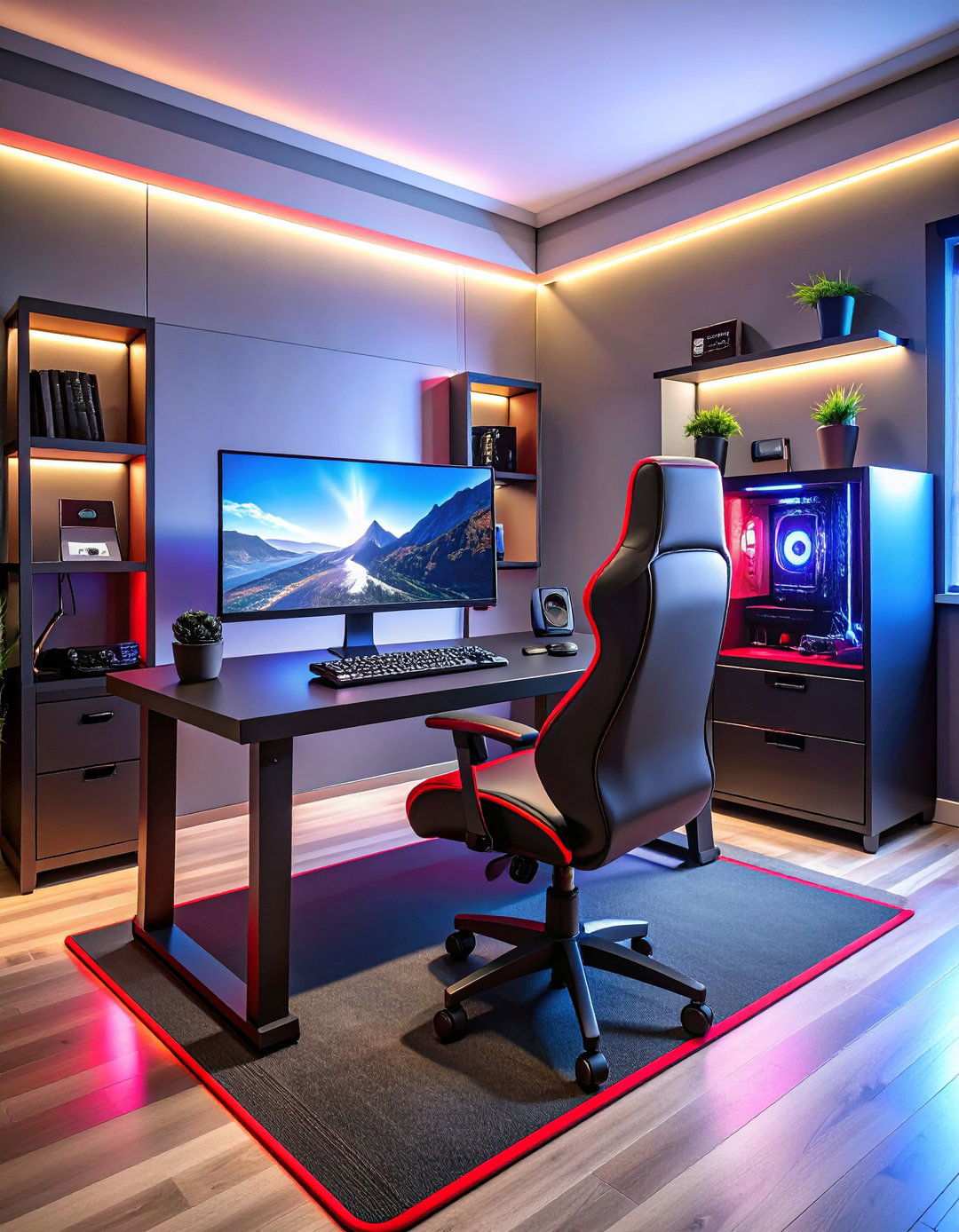
As a gamer, you might not have considered how a standing gaming workstation could significantly enhance your comfort and well-being during long gaming sessions. Innovative height-adjustable desks in black with vibrant red accents enable seamless transitions between sitting and standing positions, allowing you to adapt to your gaming needs throughout the day. Installing anti-fatigue mats in black with contrasting red borders beneath your feet can help reduce discomfort during standing sessions. Properly positioning your monitor at eye level using adjustable black monitor arms with red cable management ensures an immersive gaming experience. For brief sitting breaks, consider adding a tall stool with a stylish red cushion. Additionally, wrist rests in black with expertly crafted red stitching provide ergonomic support regardless of your position. To further enhance your gaming experience, consider incorporating footrests and balance boards in matching colors to promote active standing and maintain your focus.
10. Unified Gaming Central Command
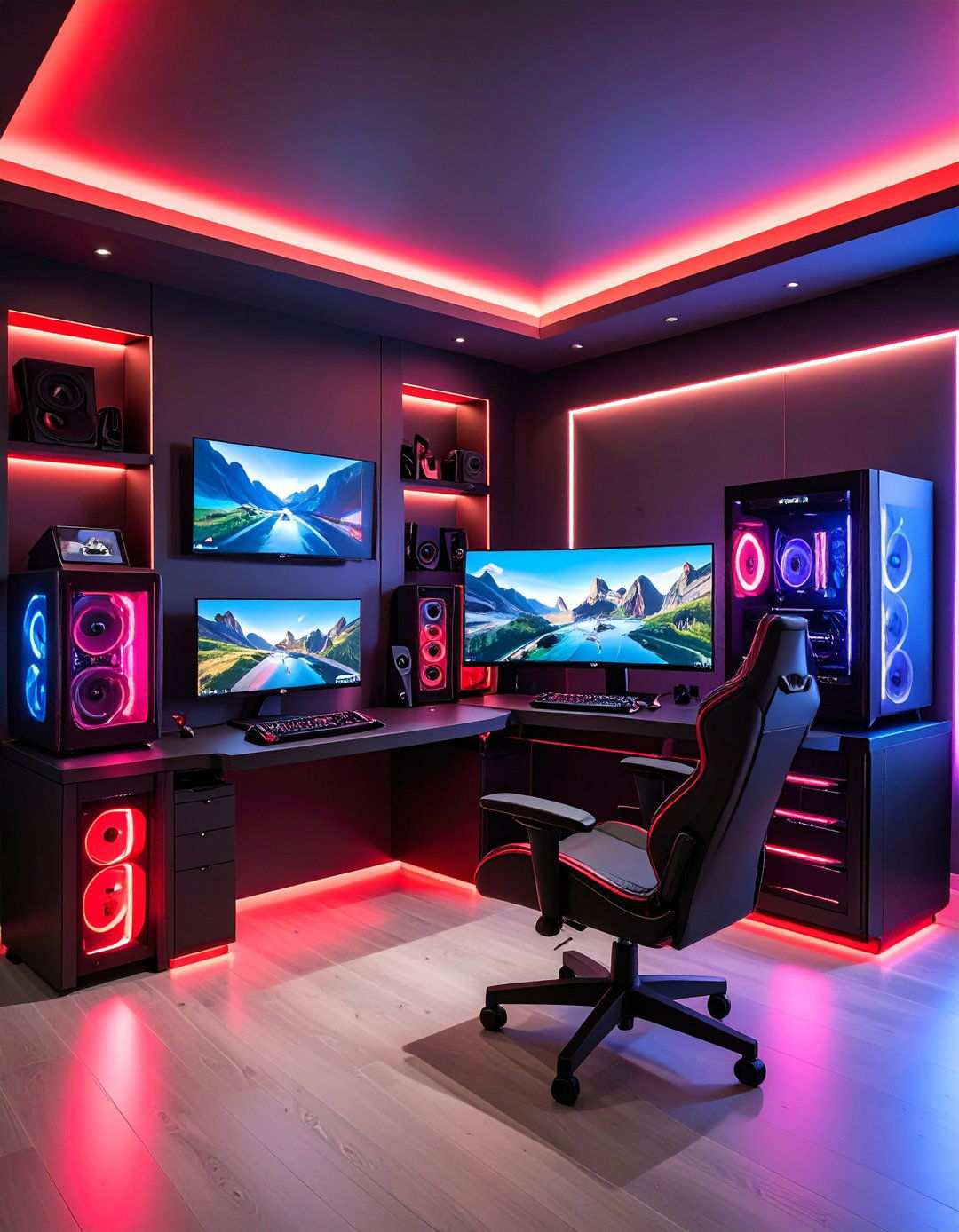
Achieving a seamless gaming experience across multiple platforms requires intelligent design that organizes different systems without compromising accessibility or visual appeal. To create a harmonious gaming environment, designate dedicated zones for PC, console, and mobile gaming using black furniture with distinctive red organizational elements. A black entertainment center with red accent lighting can house multiple gaming consoles while providing proper ventilation and cable management. Installing switching systems with red indicator lights enables quick transitions between different gaming platforms without the hassle of cable swapping. Incorporate storage solutions for platform-specific accessories like controllers, headsets, and games using black containers with clear red labeling. To keep all your devices powered and ready, consider universal charging stations in black cases with subtle red status lights.
11. Corner Gaming Mastery
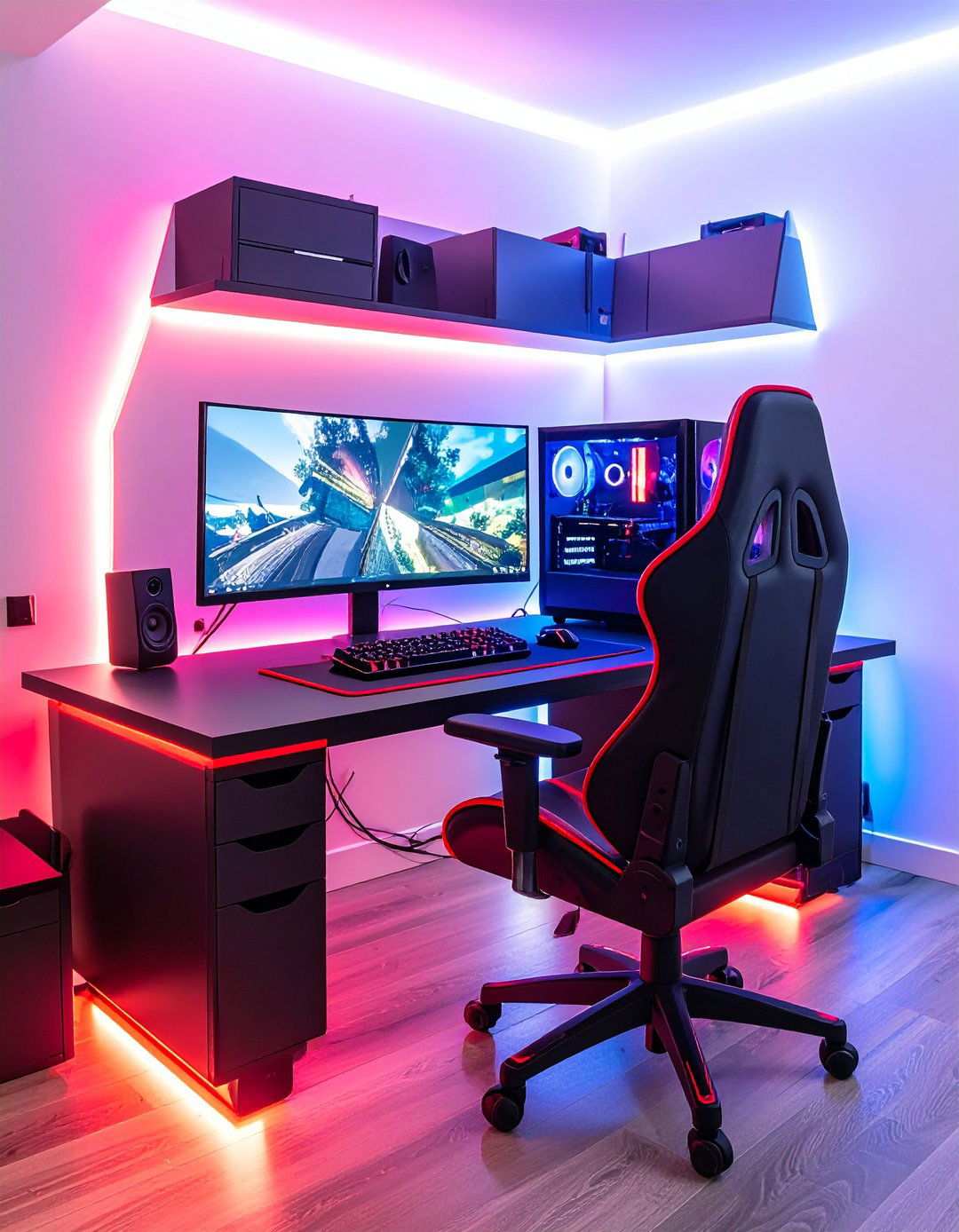
Maximizing limited space potential is crucial in gaming, and strategic corner gaming optimization can transform awkward angles into powerful gaming command centers. L-shaped desks in black with sleek red trim utilize corner spaces efficiently while providing ample surface area for multiple monitors and accessories. Installing corner-mounted shelving in black with vibrant red LED backlighting allows you to display gaming collectibles and store essential items with ease. Position your gaming chair at the optimal angle to access both desk arms comfortably while maintaining proper ergonomic positioning. Adding triangular mouse pads that fit perfectly into corner configurations provides smooth tracking surfaces. To further optimize your gaming setup, consider corner-mounted monitor arms that position screens at ideal viewing angles without consuming valuable desk real estate. Incorporating corner cable management solutions with red accent ties maintains a clean and organized aesthetic.
12. Elevate Your Gaming Ambiance
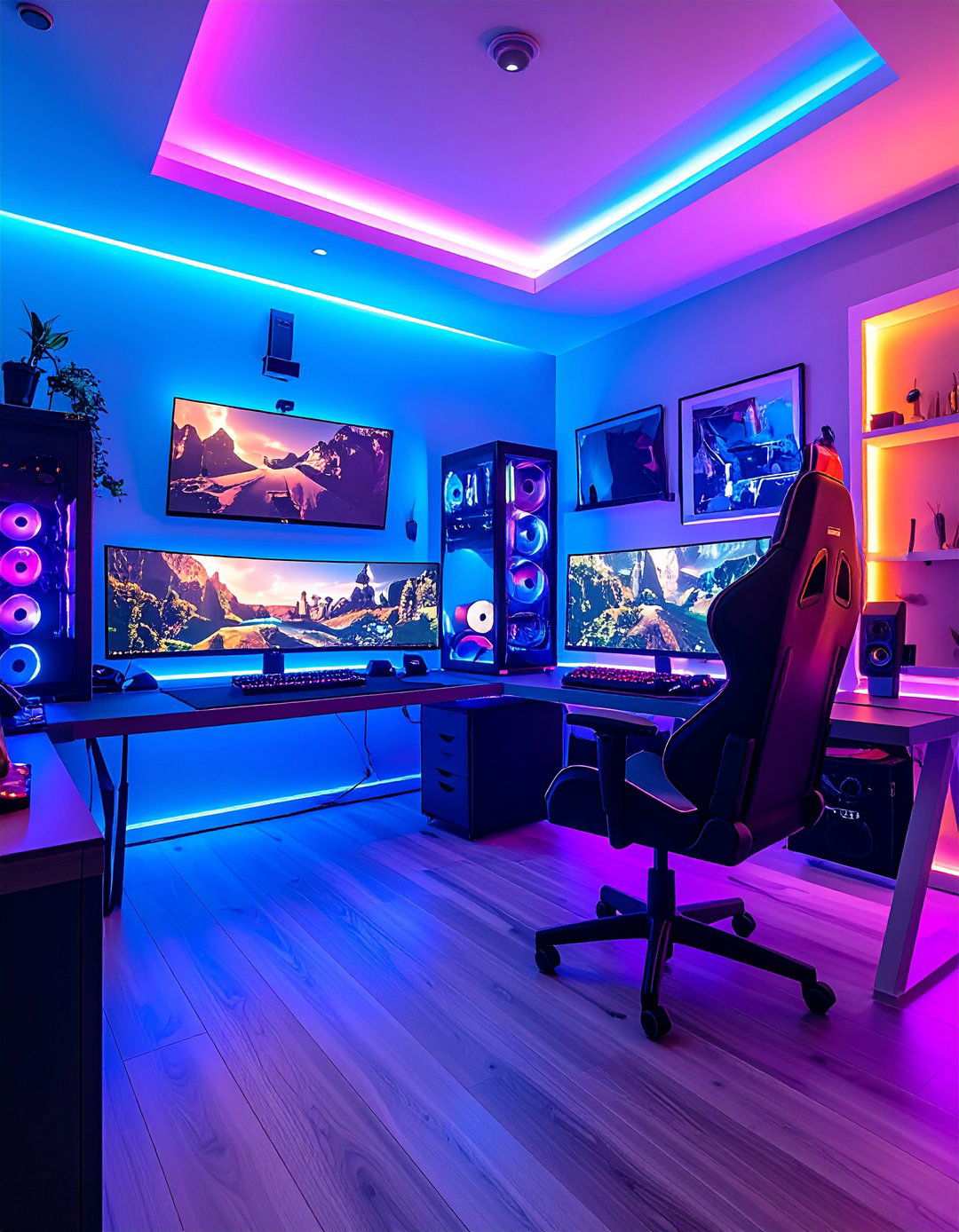
Unleash the full potential of your gaming setup by incorporating a dynamic ambient mood lighting system that reacts to your preferences and elevates the immersion levels. Integrate smart LED strips behind furniture and around room perimeters that seamlessly transition from intense red hues during high-action games to soft, black ambient lighting during narrative-driven experiences. Add color-shifting bulbs in overhead fixtures that harmonize with on-screen action for an immersive gaming experience. Incorporate bias lighting behind monitors that reduces eye strain while adding dramatic red backlighting effects. Consider smart switches with red indicator lights that control distinct lighting zones independently. Install motion sensors that automatically adjust lighting intensity based on room occupancy and time of day, maintaining optimal gaming conditions without manual intervention.
13. Cable Management Mastery
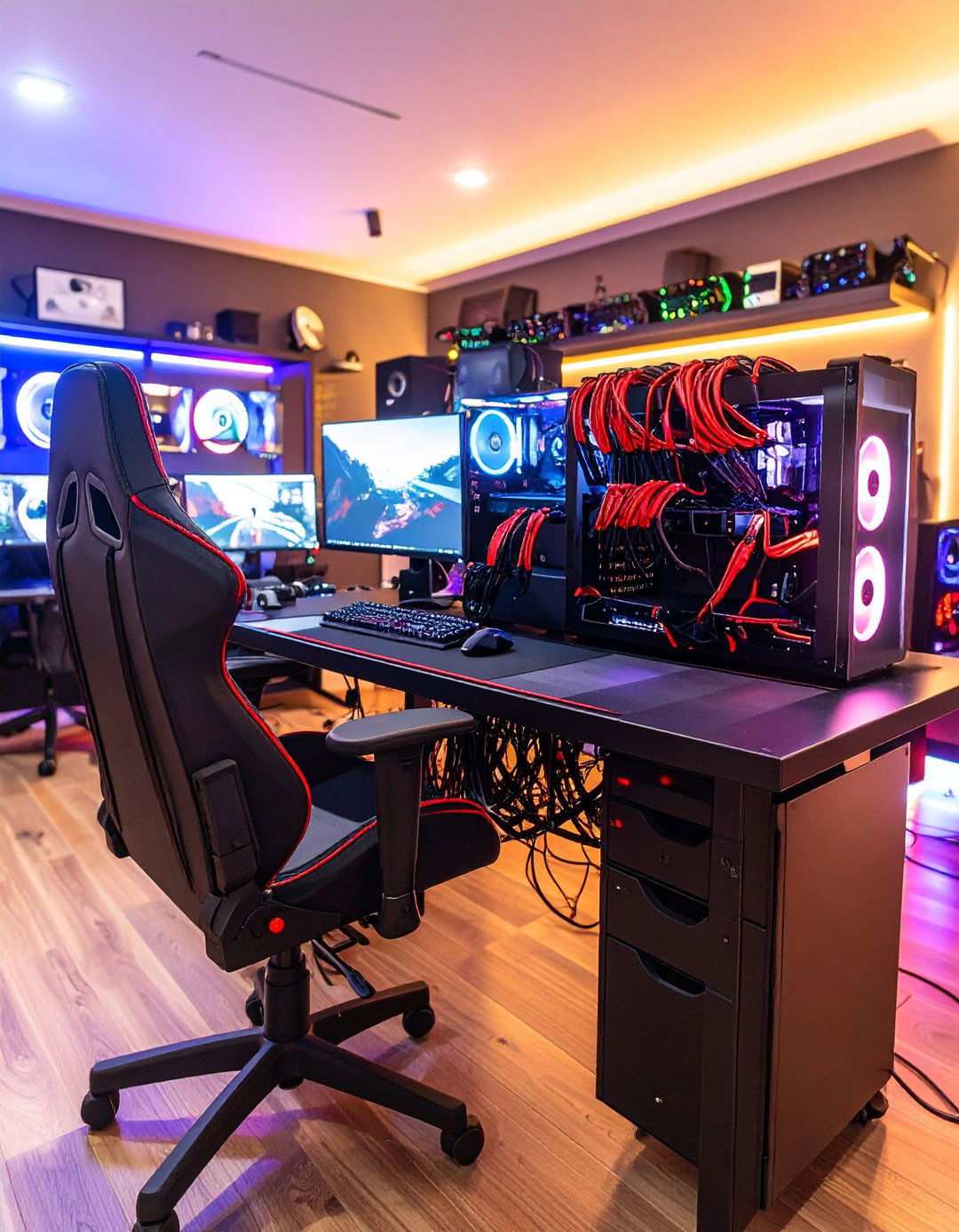
Transform your gaming setup into a masterpiece of organization and professionalism by implementing comprehensive cable management. Utilize black cable sleeves with red zip ties to systematically organize power, data, and audio connections. Install under-desk cable trays in black with red mounting hardware that route cables invisibly while providing easy access for changes. Add cable glands in black with red rings where cables pass through desk surfaces to prevent wear and maintain clean aesthetics. Use cable labels with red text on black backgrounds for effortless identification during maintenance or upgrades. Include cable clips and guides in matching colors that securely fasten cables along desired paths without permanent modification to furniture or walls.
14. Regal Gaming Seating
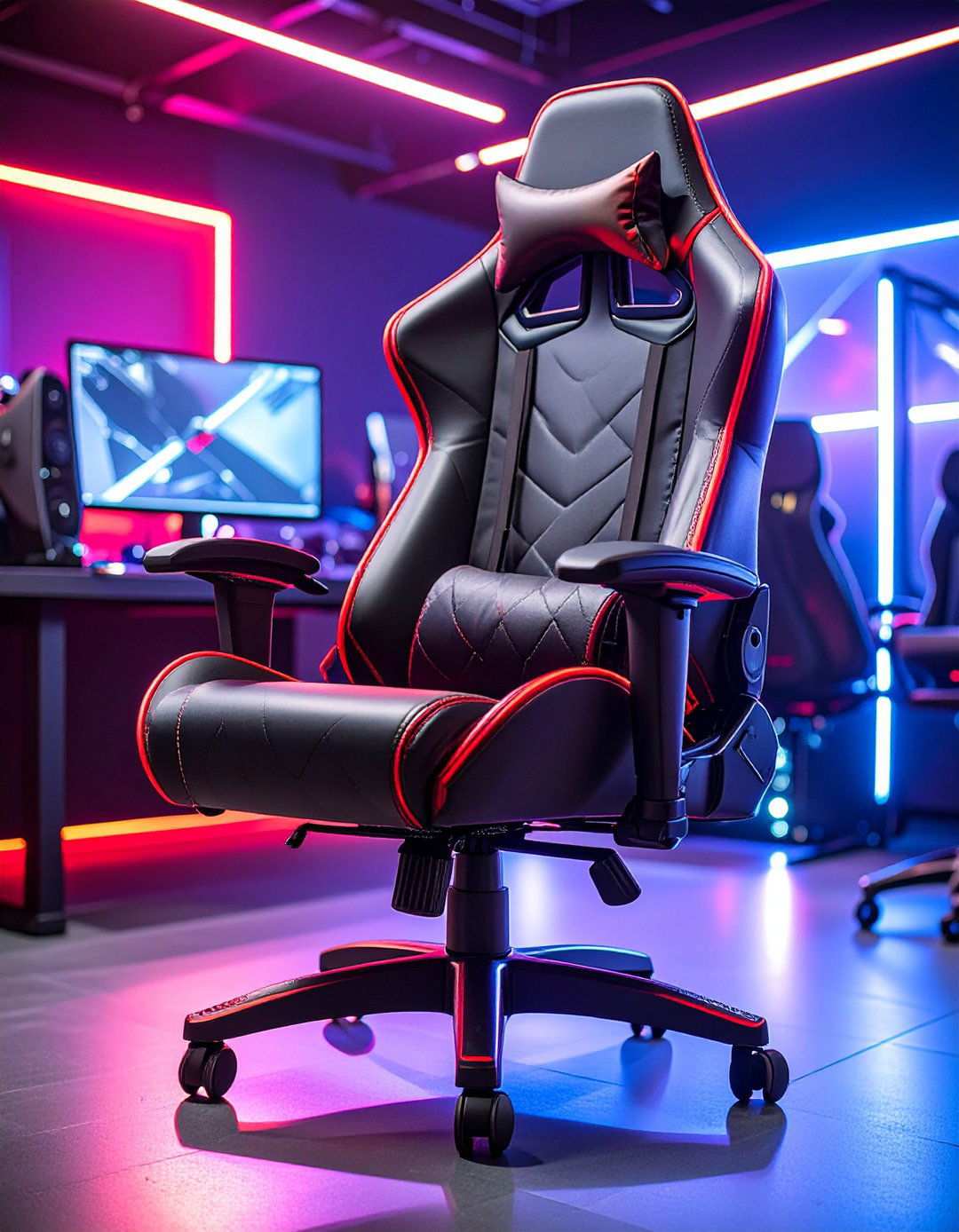
Elevate your gaming experience to new heights with expertly curated seating that combines comfort, functionality, and striking visual impact worthy of a gaming monarch. Select ergonomic gaming chairs with black leather or fabric upholstery accentuated by red stitching, piping, or cushion inserts that provide sumptuous comfort during extended sessions. Add adjustable lumbar support with red highlighting that maintains proper spinal alignment while enhancing the chair’s aesthetic appeal. Install RGB lighting within the chair base or backrest that harmonizes with your overall lighting scheme. Include adjustable armrests with red padding that support various gaming positions and controller types. Consider chairs with built-in speakers or vibration systems that enhance immersion while maintaining the red and black color coordination throughout your gaming sanctuary.
15. Elevating the Mechanical Keyboard Experience
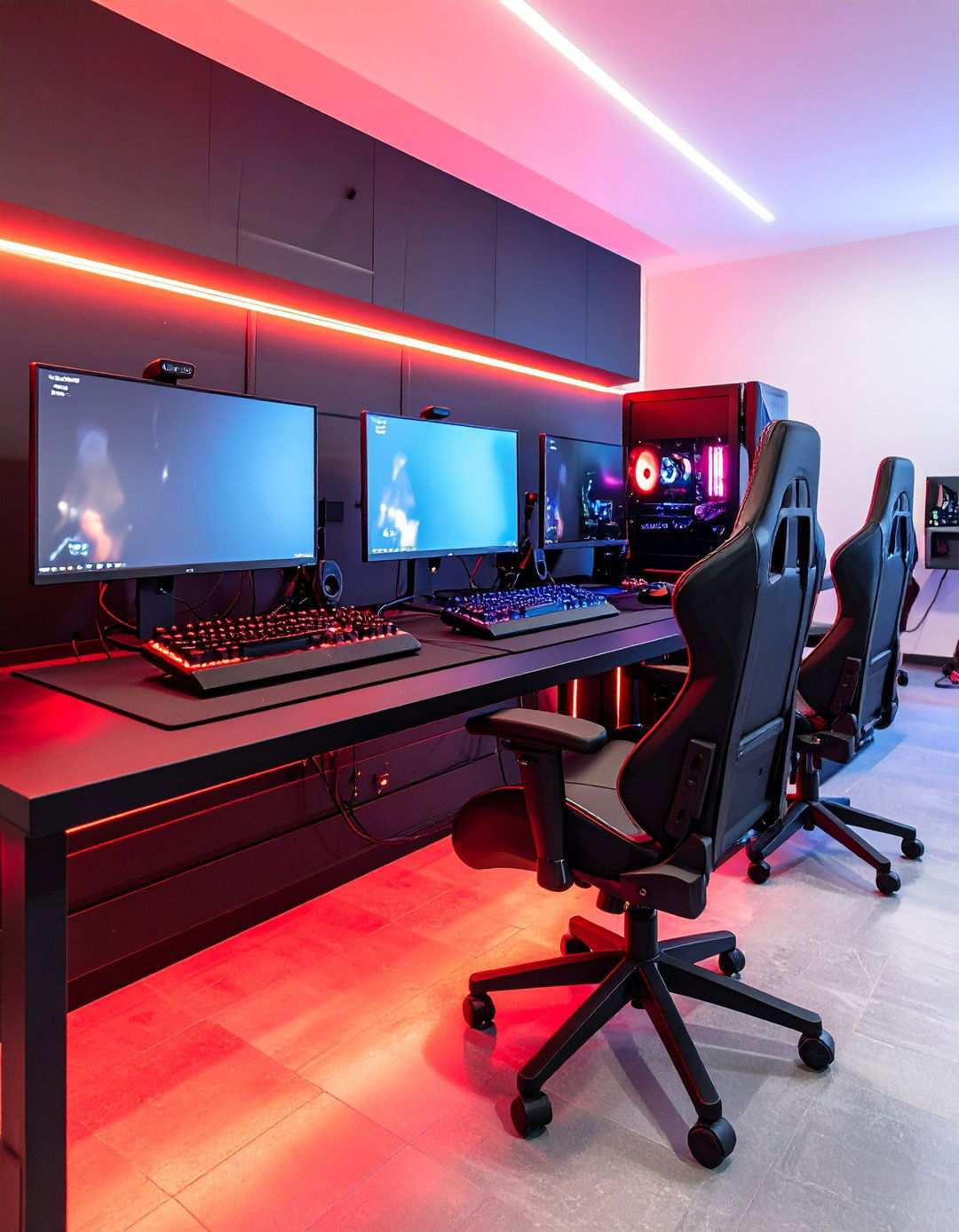
Experience the artistry and precision of mechanical keyboards through carefully curated showcases that transform these gaming essentials into functional masterpieces. Arrange multiple mechanical keyboards with distinct switch types on sleek black stands, elevated by eye-catching red accent lighting that highlights key features and craftsmanship details. Set up a comparison station on black desk space with efficient red cable management, making it easy to swap between keyboards. Showcase keycap collections in bold red and black color schemes, allowing gamers to customize their setup according to personal preferences or aesthetic moods. Include switch testers and maintenance tools in organized black containers with clear red labeling. To add a touch of elegance, consider wall-mounted displays featuring rare or vintage mechanical keyboards, highlighting a deep appreciation for quality gaming hardware.
16. Immersive Audio Experiences
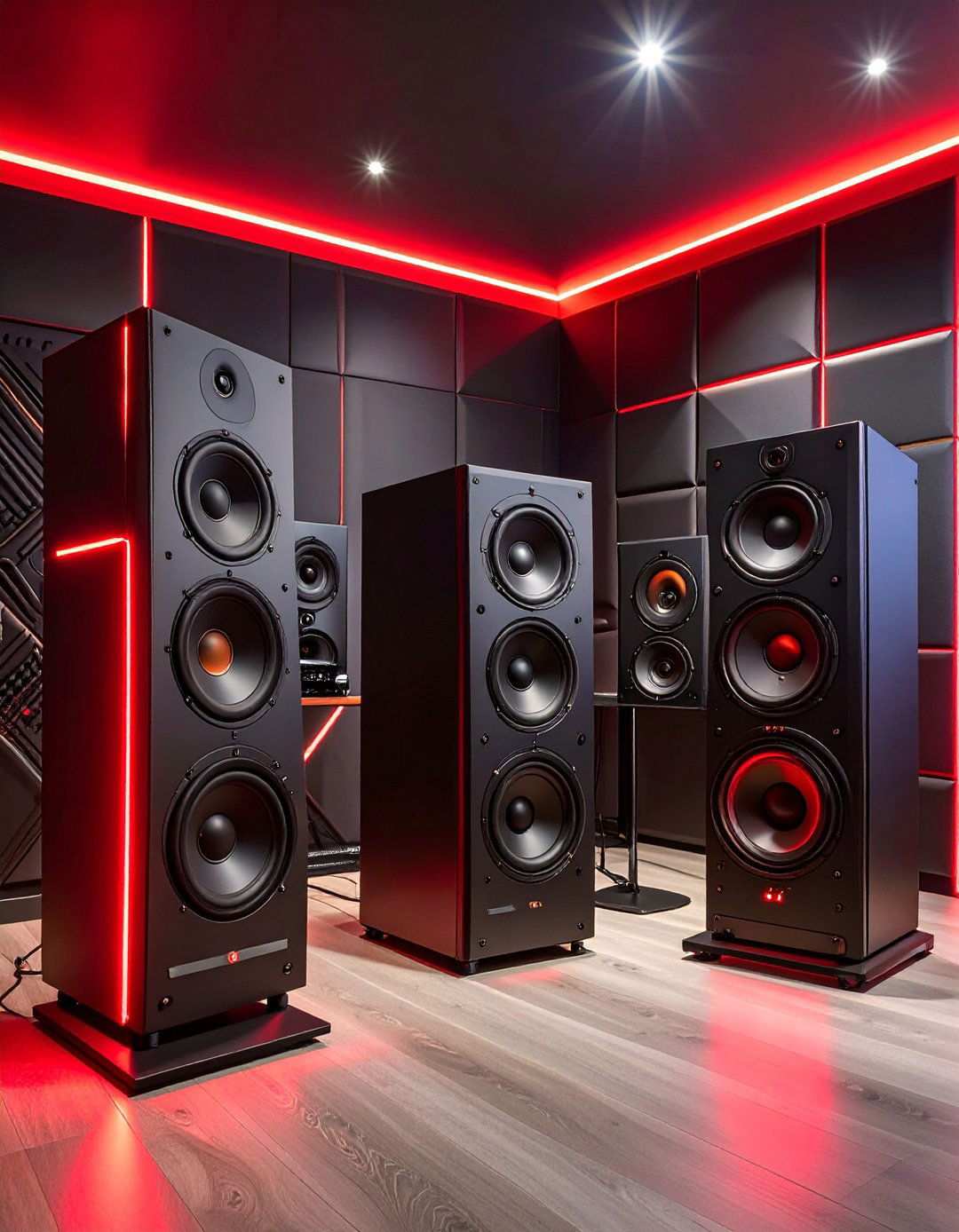
Unlock the full potential of your gaming experience by incorporating professional-grade audio equipment that transports you to immersive soundscapes. Integrate high-quality speakers with sleek black cases and subtle red accent lighting, delivering crisp audio without overwhelming your gaming space’s visual design. Add soundproofing materials in black with crisp red trim, enhancing audio quality while maintaining aesthetic consistency throughout your gaming area. Include stylish headphone stands and storage solutions in matching colors to keep expensive audio equipment organized and easily accessible. Install custom-designed acoustic panels specifically for gaming, which reduce echo and add visual interest through geometric patterns in your chosen color scheme. Consider dedicated amplifiers and audio interfaces in black cases with prominent red status indicators for superior sound quality.
17. Redefining Gaming Spaces with Intelligent Storage
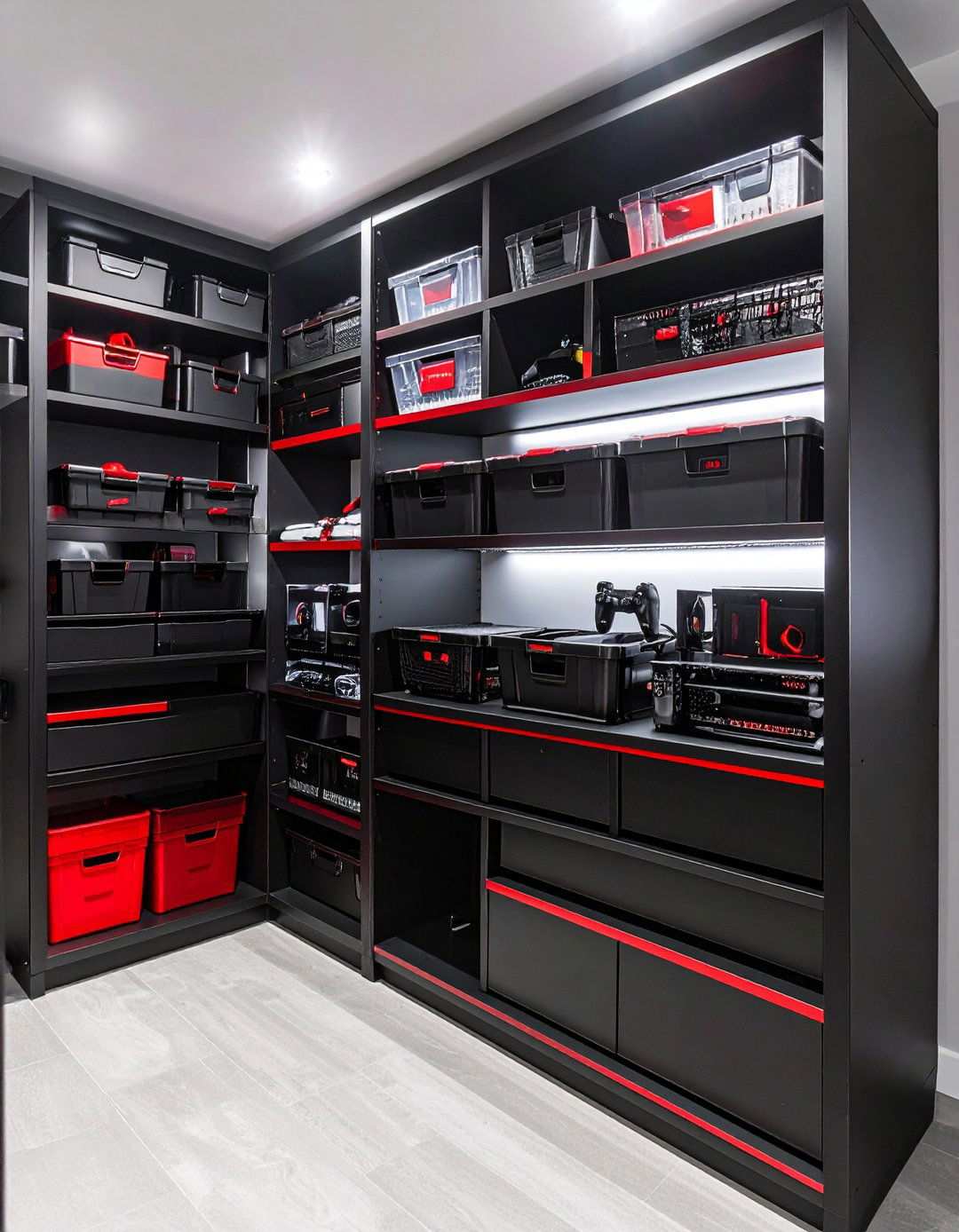
Transform cluttered gaming spaces into organized, high-performance command centers with intelligent storage solutions that seamlessly integrate with your red and black aesthetic vision. Install modular shelving systems in black with bold red accent trim, accommodating changing storage needs as your gaming collection grows. Add closed storage cabinets with striking red handles or trim that conceal less attractive items while keeping them easily accessible. Utilize clear storage containers with vibrant red and black labels, allowing for quick identification of contents without opening each container. Include drawer organizers in matching colors that systematically separate small accessories like cables, adapters, and batteries. Consider under-desk storage solutions that maximize floor space while keeping frequently used items within arm’s reach during gaming sessions.
18. Unlocking Vertical Potential
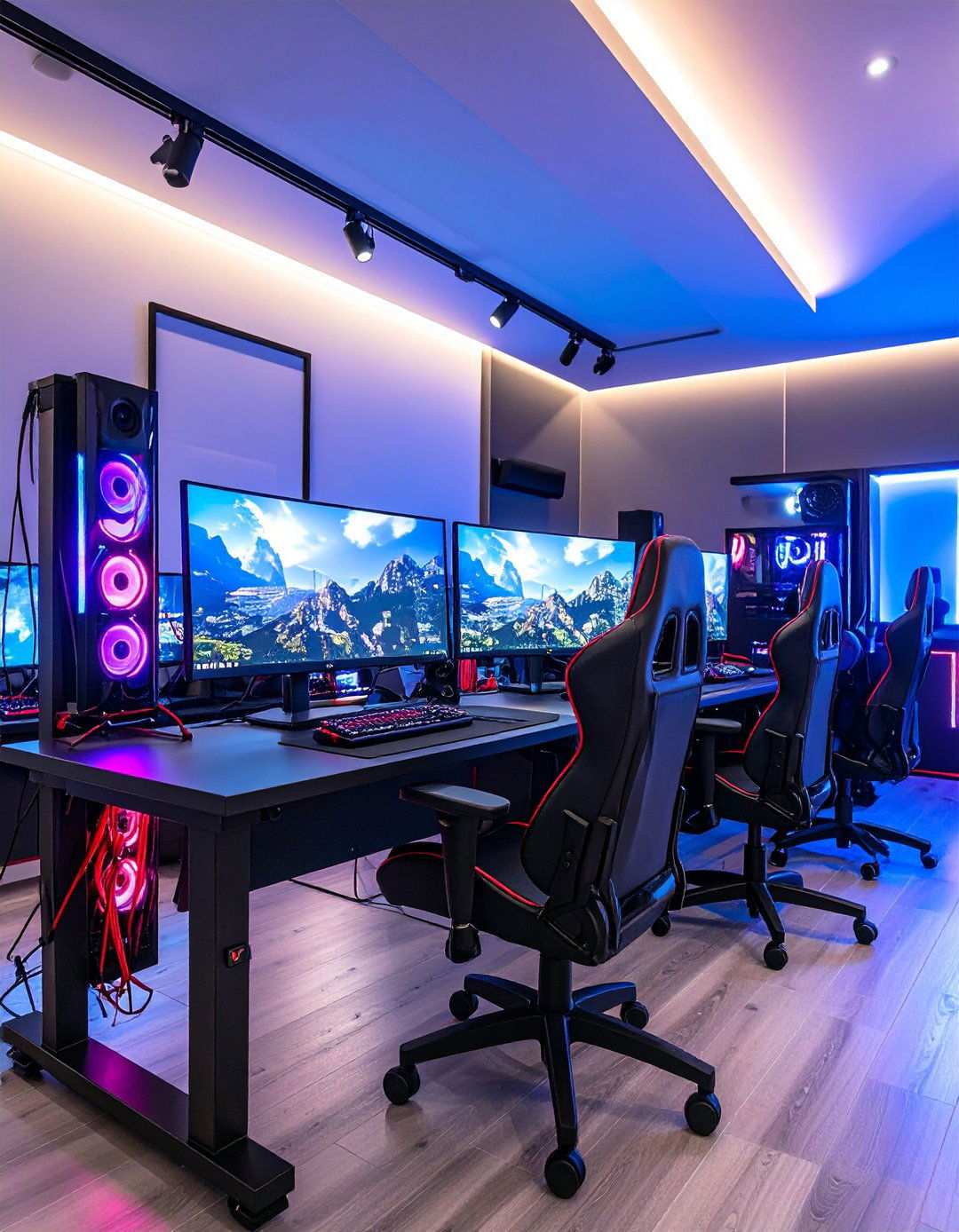
Elevate your gaming experience by leveraging the power of vertical monitor configurations, which unlock new possibilities for multitasking and immersive gaming. Utilize sleek black monitor arms with integrated red cable management to position screens optimally for tasks like coding, streaming, or social media monitoring alongside your primary gaming display. Leverage specialized software that automates window placement across multiple screens, streamlining productivity without manual intervention. Implement intuitive keyboard shortcuts and hotkeys to quickly move applications between vertical and horizontal displays. Consider installing ultrawide monitors in portrait orientation to maximize screen space while preserving desk surface area for peripherals and accessories. Enhance your setup with ambient lighting behind vertical monitors, creating visual separation while reducing eye strain during extended gaming sessions.
19. Mastering Thermal Dynamics
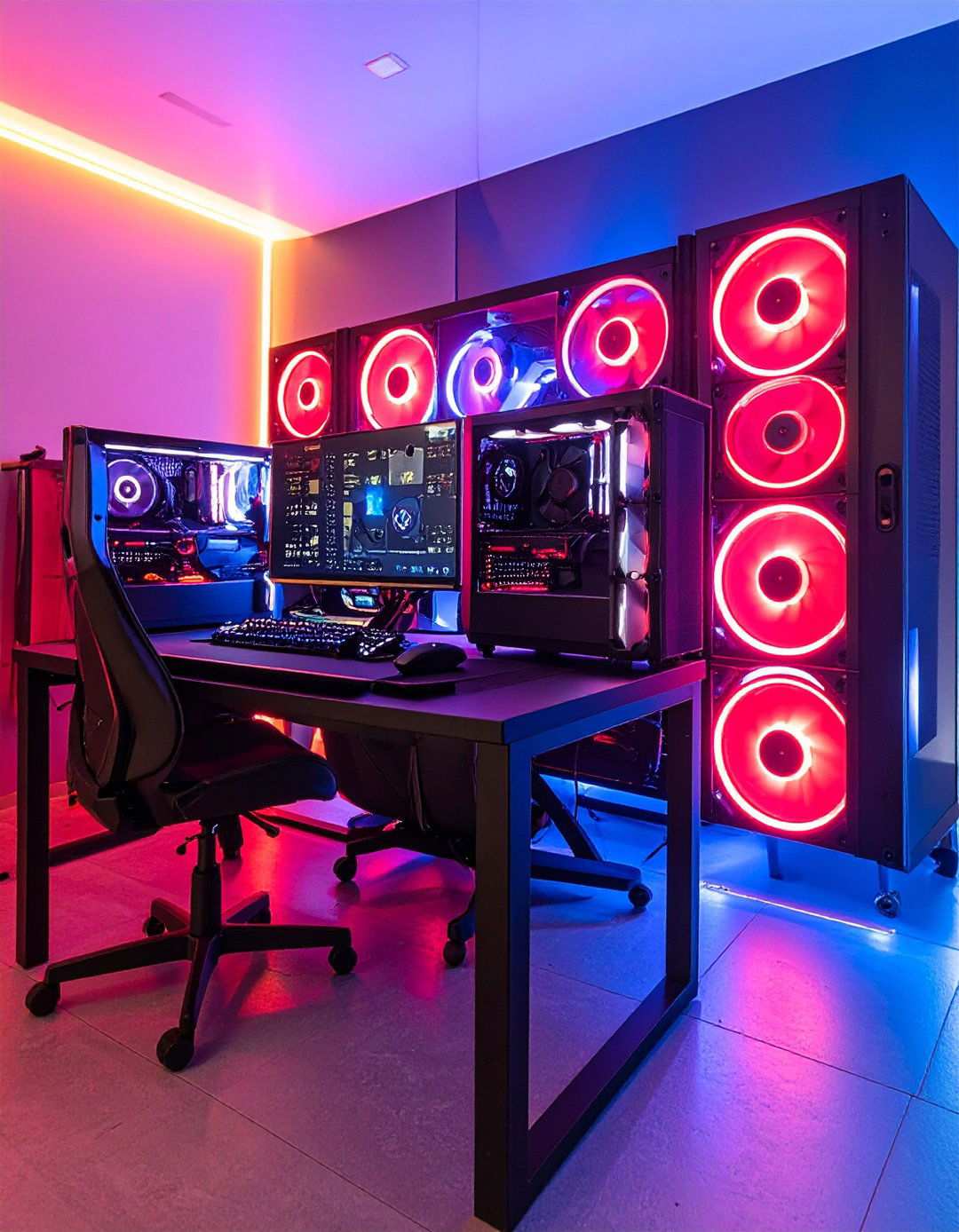
Optimize your gaming performance by investing in dedicated cooling and climate control systems that safeguard your equipment while fostering a comfortable gaming environment. Incorporate case fans with red LED lighting to provide adequate airflow and add visual interest to your PC build. Add room air circulation fans in black with red accent details to maintain comfortable temperatures during intense gaming sessions. Include temperature monitoring systems with red display screens to alert you to potential overheating issues before damage occurs. Consider liquid cooling solutions with distinctive red coolant to provide superior heat dissipation while creating striking visual elements within transparent PC cases. Install air purification systems that maintain clean air quality during extended gaming sessions while operating quietly enough not to disturb your audio.
20. Showcasing Gaming Heritage
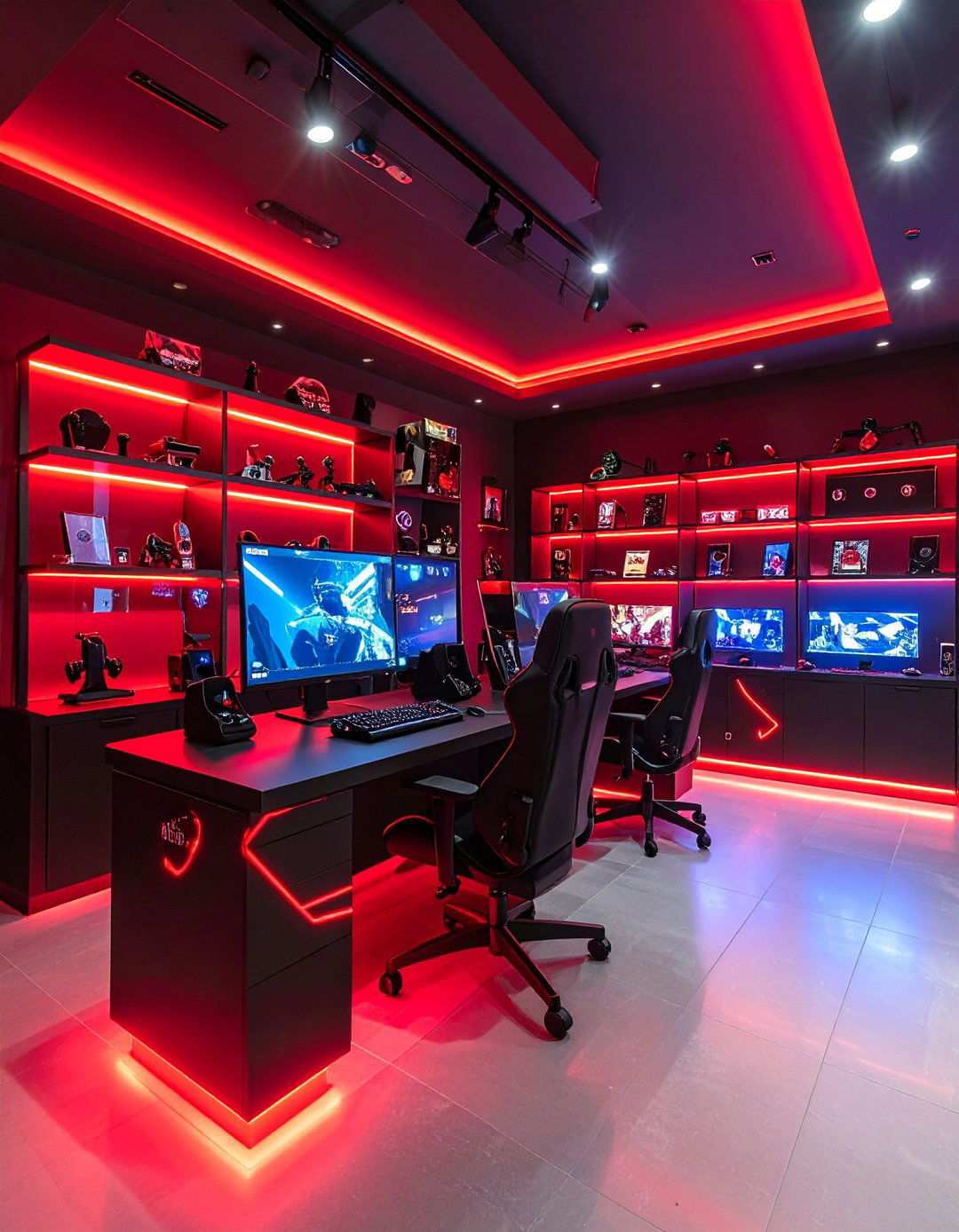
Celebrate your gaming passion by curating a collectibles display gallery that highlights your favorite games, characters, and gaming achievements without creating visual chaos. Install black display shelves with red LED backlighting to attractively showcase collectible figures, limited edition games, and memorabilia. Add acrylic display cases in black frames with red accent lighting to protect valuable items while maintaining visibility from multiple angles. Create themed display areas that group related collectibles together using consistent lighting and spacing for maximum visual impact. Include rotating display mechanisms that allow different collectibles to be featured periodically without permanent repositioning. Consider wall-mounted display frames with red matting to showcase artwork, certificates, or gaming achievements as permanent decoration elements.
21. Adaptable Gaming Hubs
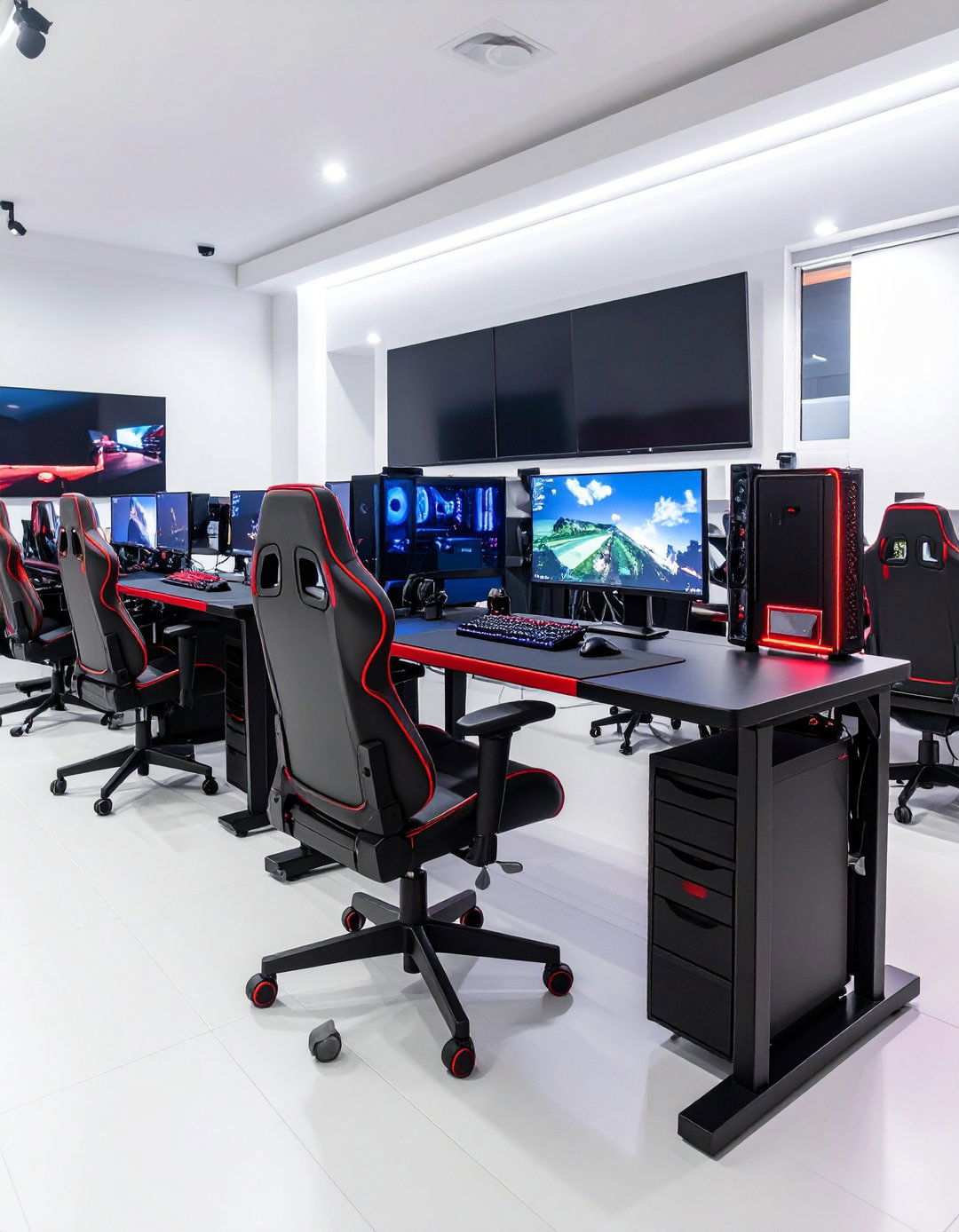
Craft gaming environments that evolve with changing needs by developing portable gaming stations that seamlessly blend style and functionality in any setting. Design laptop gaming setups using sleek black laptop stands with vibrant red accents that prioritize ergonomic comfort while ensuring efficient cooling systems. Incorporate portable monitor solutions that enhance screen real estate without the need for permanent fixtures or desk modifications. Integrate travel-friendly peripherals in harmonious colors to deliver consistent gaming experiences across diverse locations and configurations. Consider sleek black storage carts with red trim that help organize gaming equipment for rapid setup and teardown as needed. Implement robust battery backup systems to safeguard against power disruptions and maintain uninterrupted gaming sessions during electrical outages or location changes.
22. Enhanced Streaming Capabilities
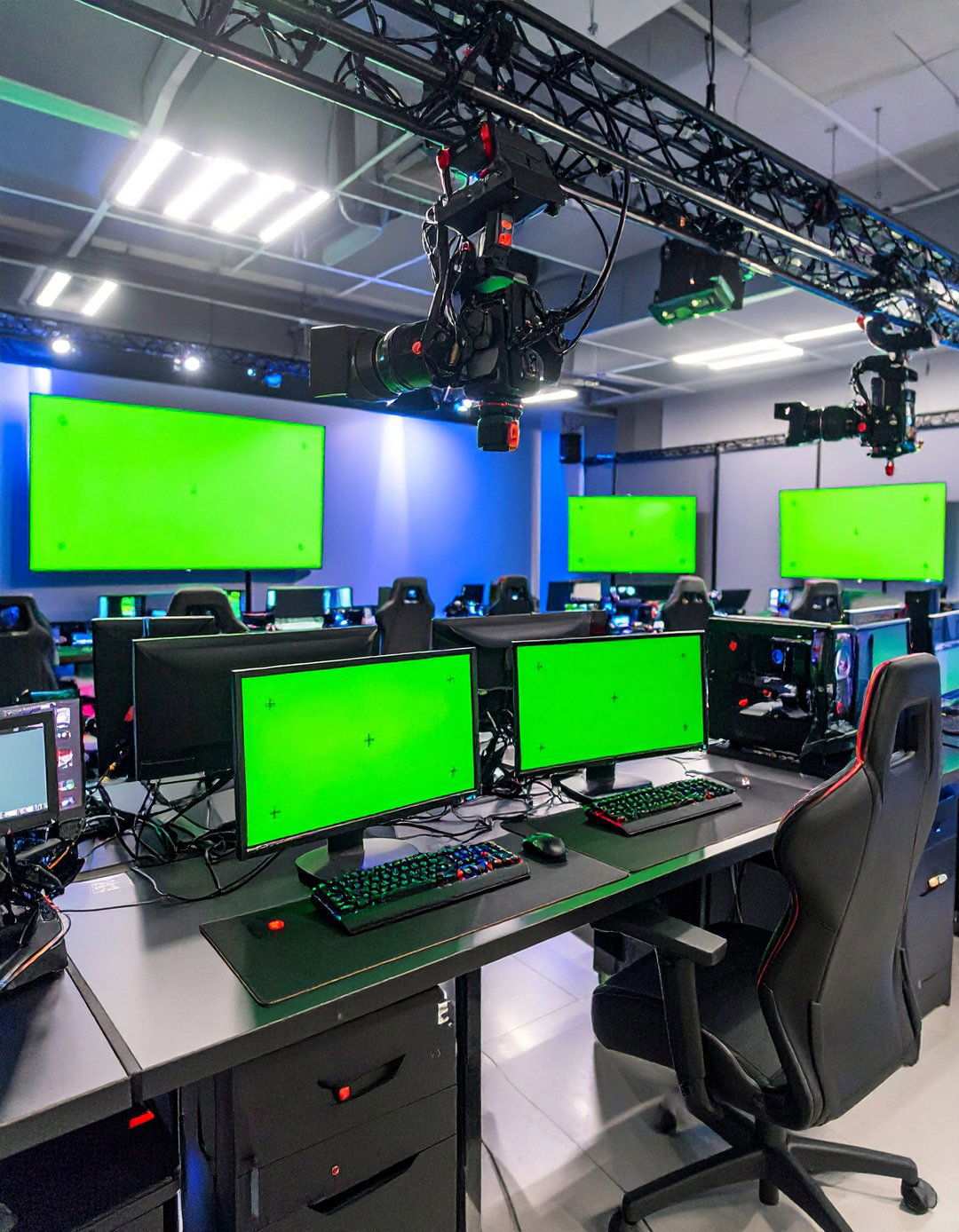
Elevate your gaming content and captivate audiences through high-quality broadcasts that demonstrate your gaming prowess. Integrate cameras, microphones, and lighting equipment using sophisticated black mounting systems with expertly managed red cabling to maintain a clean aesthetic while delivering professional-grade functionality. Add green screen or backdrop systems in carefully coordinated colors to create immersive streaming environments without requiring permanent room modifications. Incorporate capture cards and streaming software that seamlessly record and broadcast high-quality gaming content. Consider deploying multiple camera angles using black camera mounts with distinctive red identification markers for complex streaming setups. Install intuitive prompter systems and chat monitoring displays to foster viewer interaction while maintaining focus on gaming performance.
23. Ergonomic Wellness Emphasis
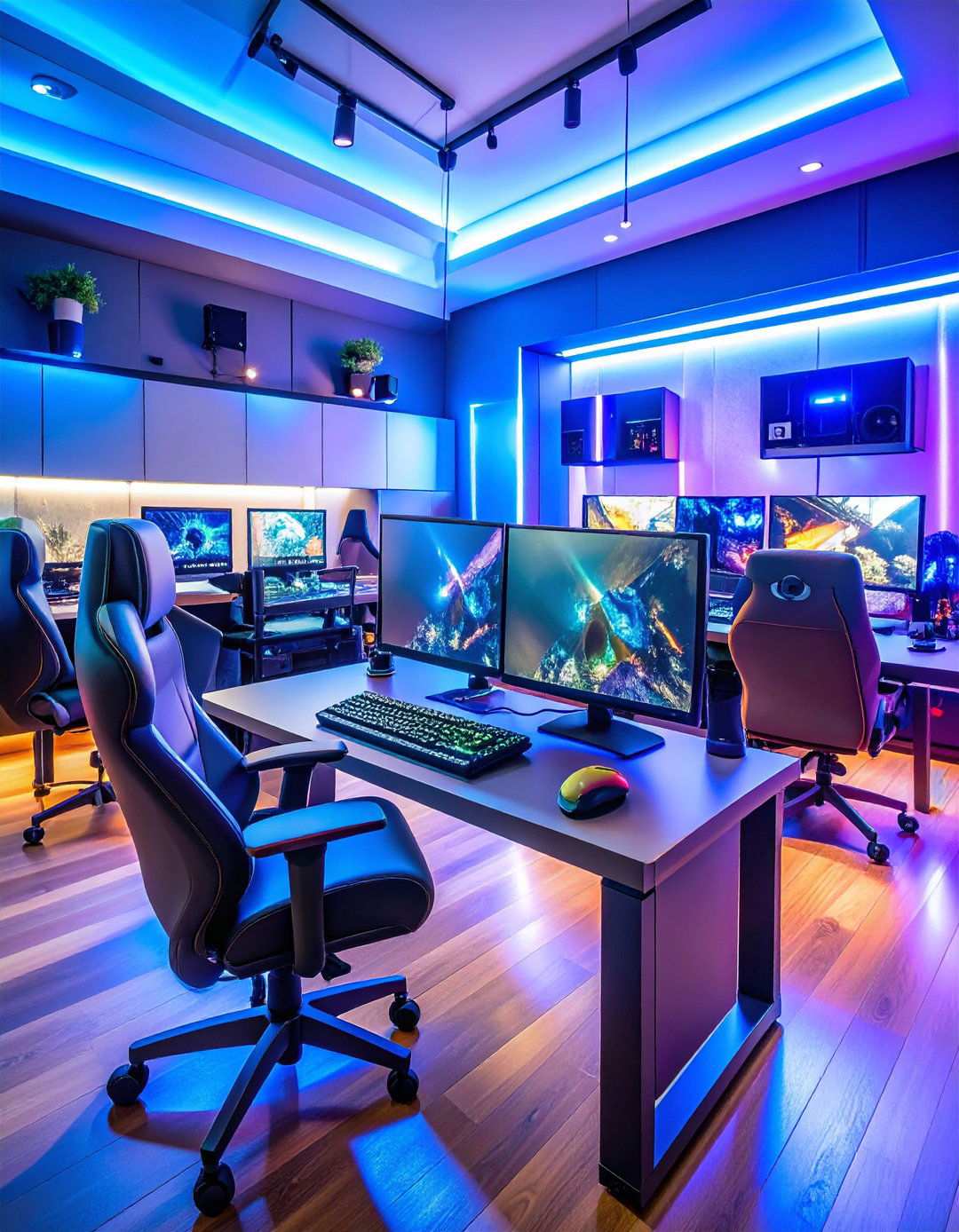
Prioritize long-term gaming health by embracing ergonomic design principles that prevent strain and injury while maintaining visual appeal throughout your gaming environment. Incorporate adjustable monitor arms that position screens at optimal viewing distances and angles, significantly reducing neck and eye strain during extended gaming sessions. Include wrist rests and keyboard trays that maintain neutral hand positions while typing and gaming for hours comfortably. Install footrests and standing desk options that promote proper posture and circulation throughout gaming marathons. Consider incorporating blue light filtering systems that reduce eye fatigue while maintaining color accuracy for competitive gaming requirements. Add exercise equipment in harmonious colors to encourage physical activity breaks between gaming sessions, promoting overall health and sustained gaming performance.
24. Future-Proofing Your Gaming Space
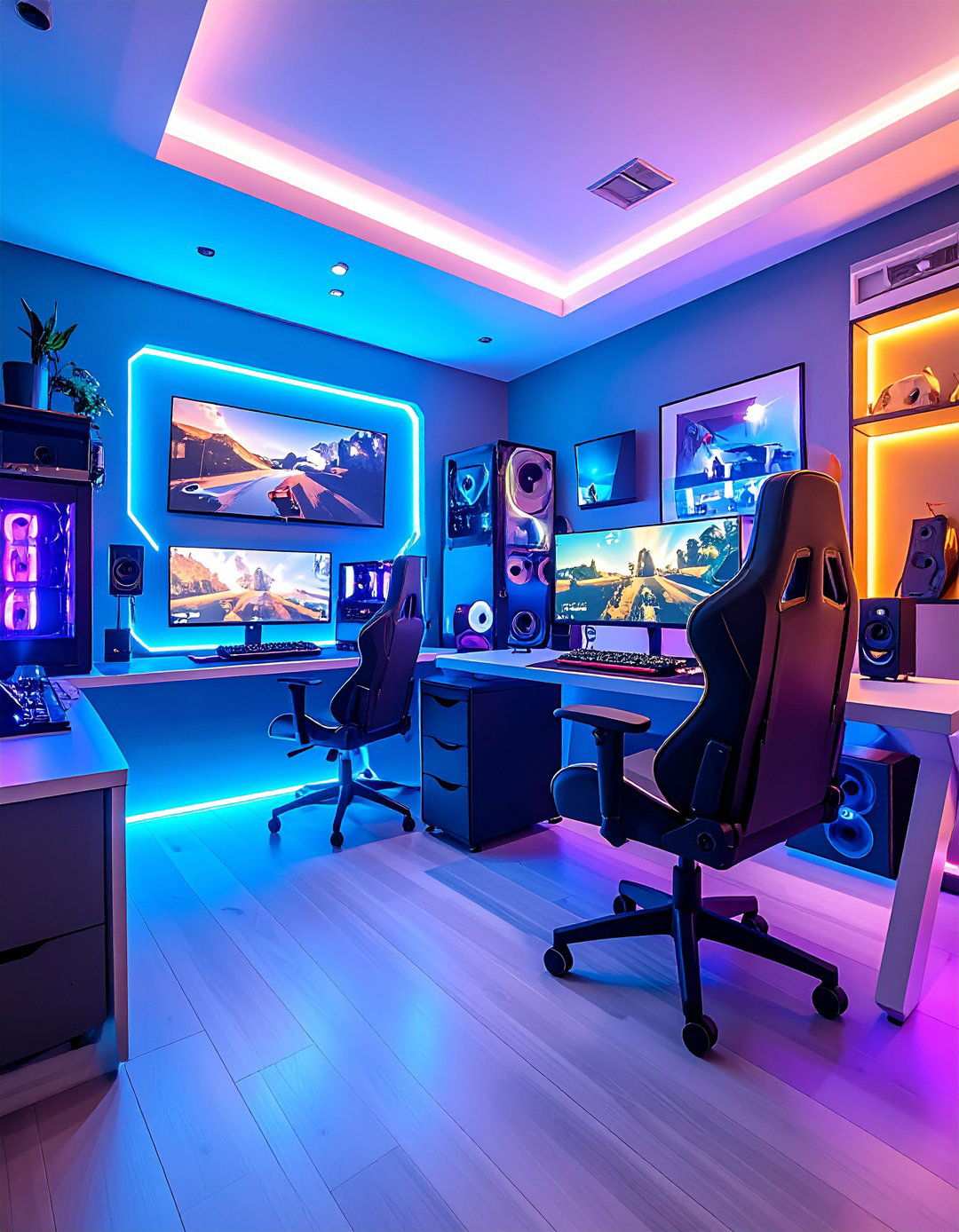
As technology advances at an incredible pace, it’s essential to future-proof your gaming setup to stay ahead of the curve. This involves integrating forward-thinking solutions that not only accommodate emerging gaming trends but also anticipate the evolving needs of your gaming space. One effective way to achieve this is by installing cable infrastructure that can support future display technologies, networking requirements, and power demands without necessitating a complete overhaul of your existing setup.
Modular furniture systems play a crucial role in this process, allowing you to adapt to changing equipment sizes and cooling requirements as technology evolves rapidly. Furthermore, incorporating universal mounting solutions that can accommodate various monitor sizes and types without requiring new hardware purchases is a great way to ensure flexibility in your gaming space. To accommodate your growing digital game libraries and content creation needs over time, consider investing in expandable storage systems that can scale with your requirements. Finally, plan your electrical capacity carefully to ensure it can support additional equipment without overloading circuits or necessitating costly electrical service upgrades, thus maintaining a functional and safe gaming environment.